Lerp
FreeWeb and App designer portfolio
Real estate Framer template
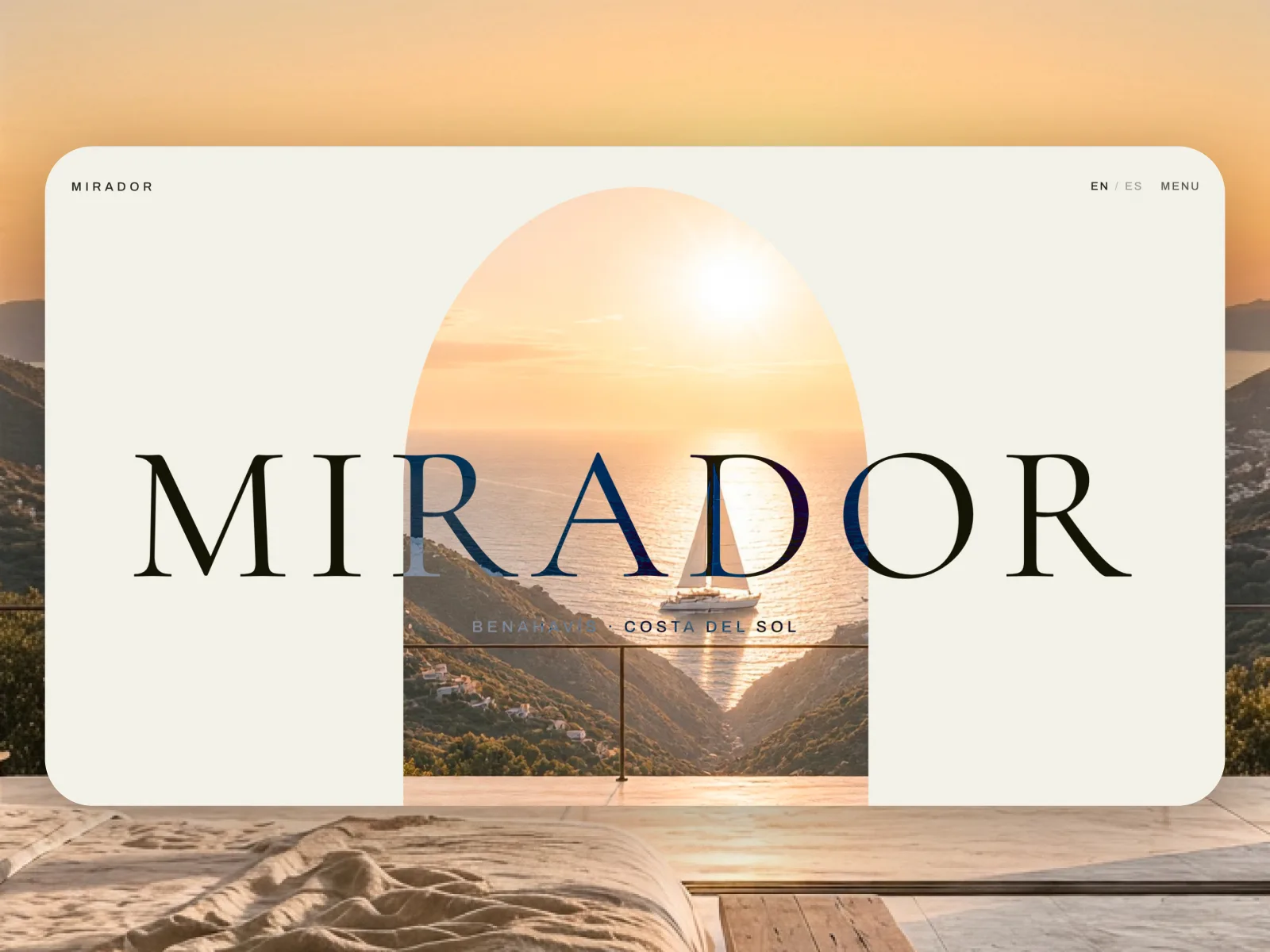
A new development sells a plan, a view and a price list. Mirador puts all three on one site.
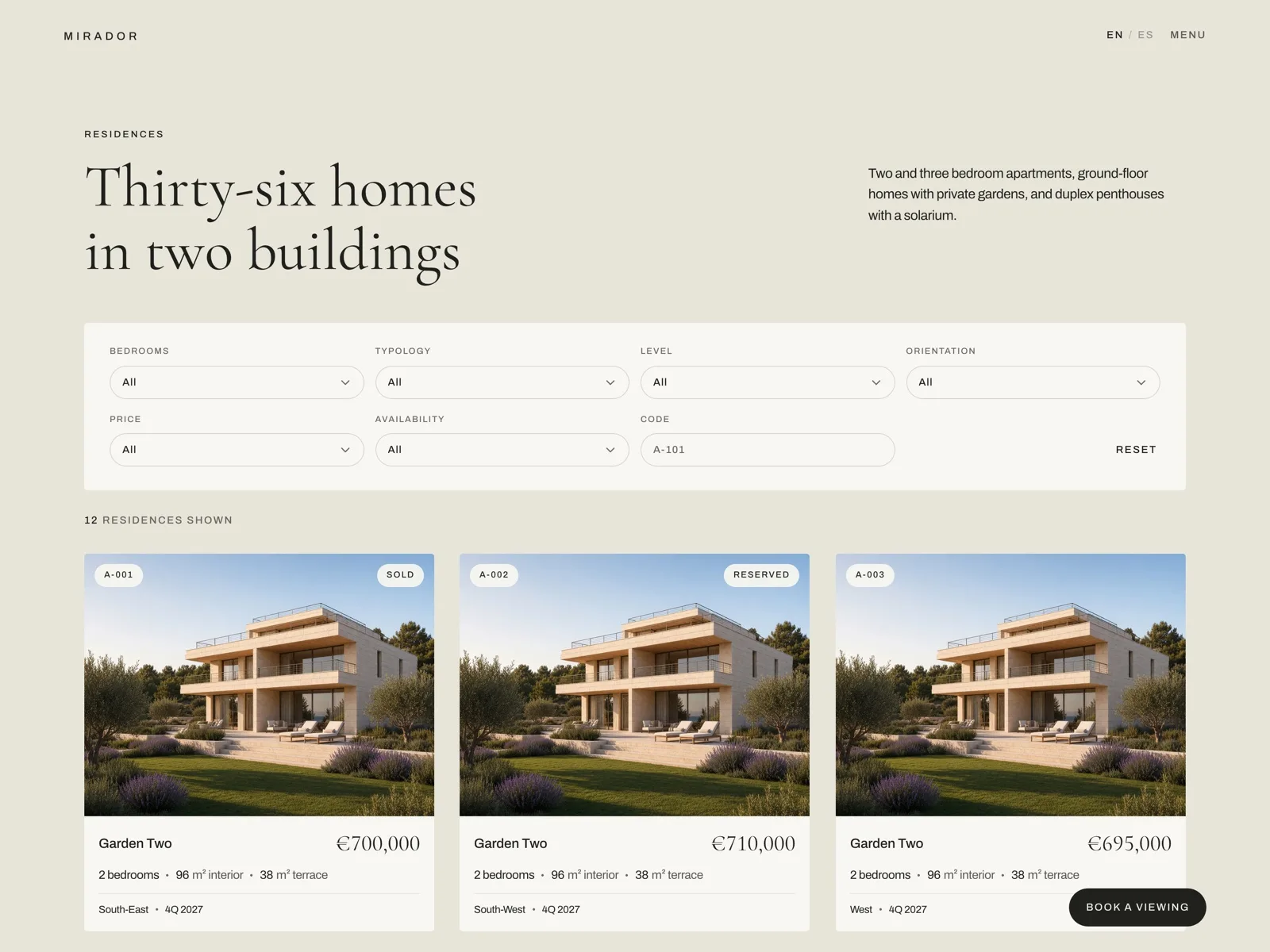
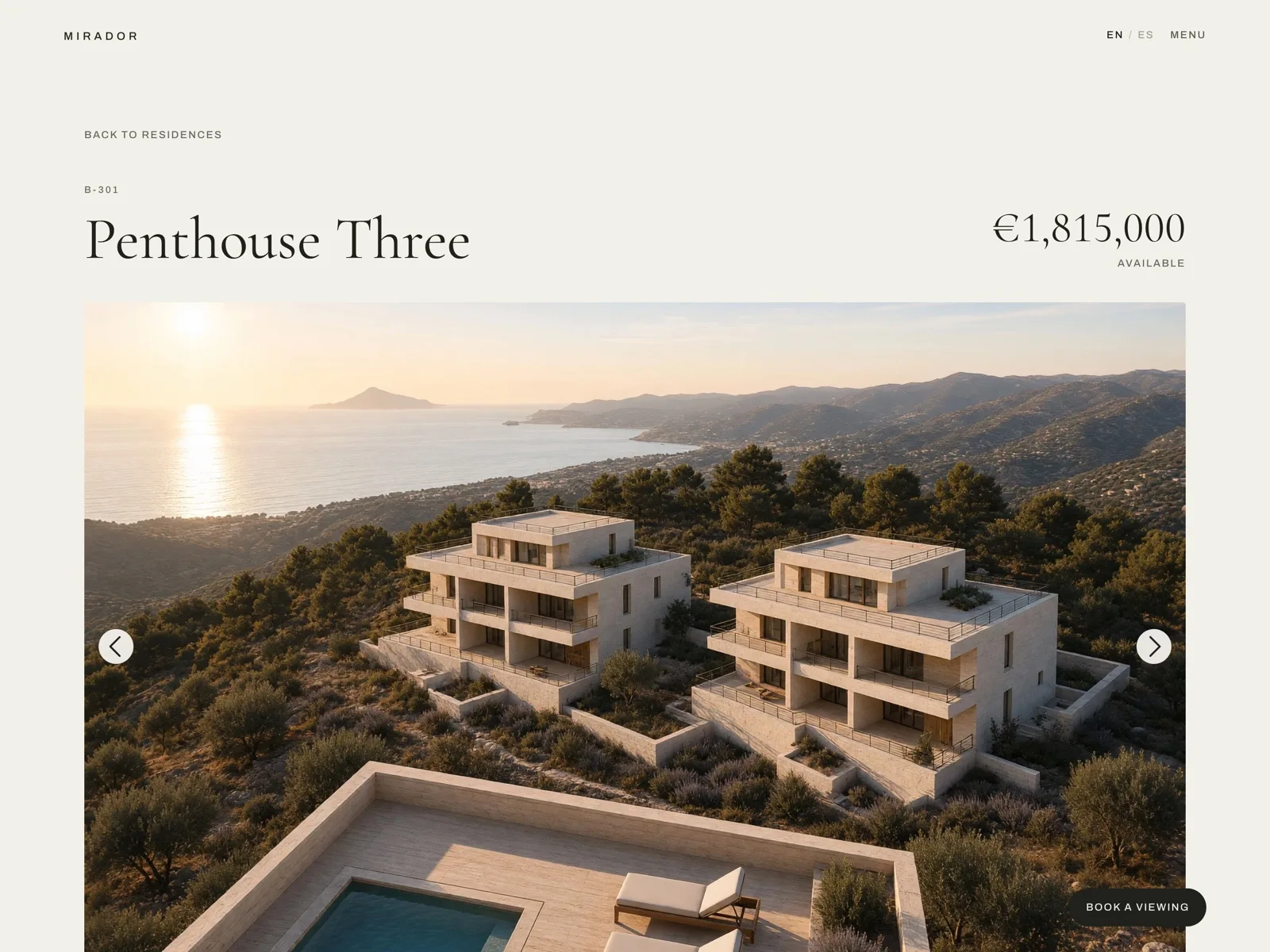
The residences catalog filters by bedrooms, typology, level, orientation, price, availability and unit code, so a buyer reaches the right unit in two clicks. Every home has its own CMS page with a slideshow, status, floor plan PDF and similar homes. Add a unit once and it appears everywhere it should.
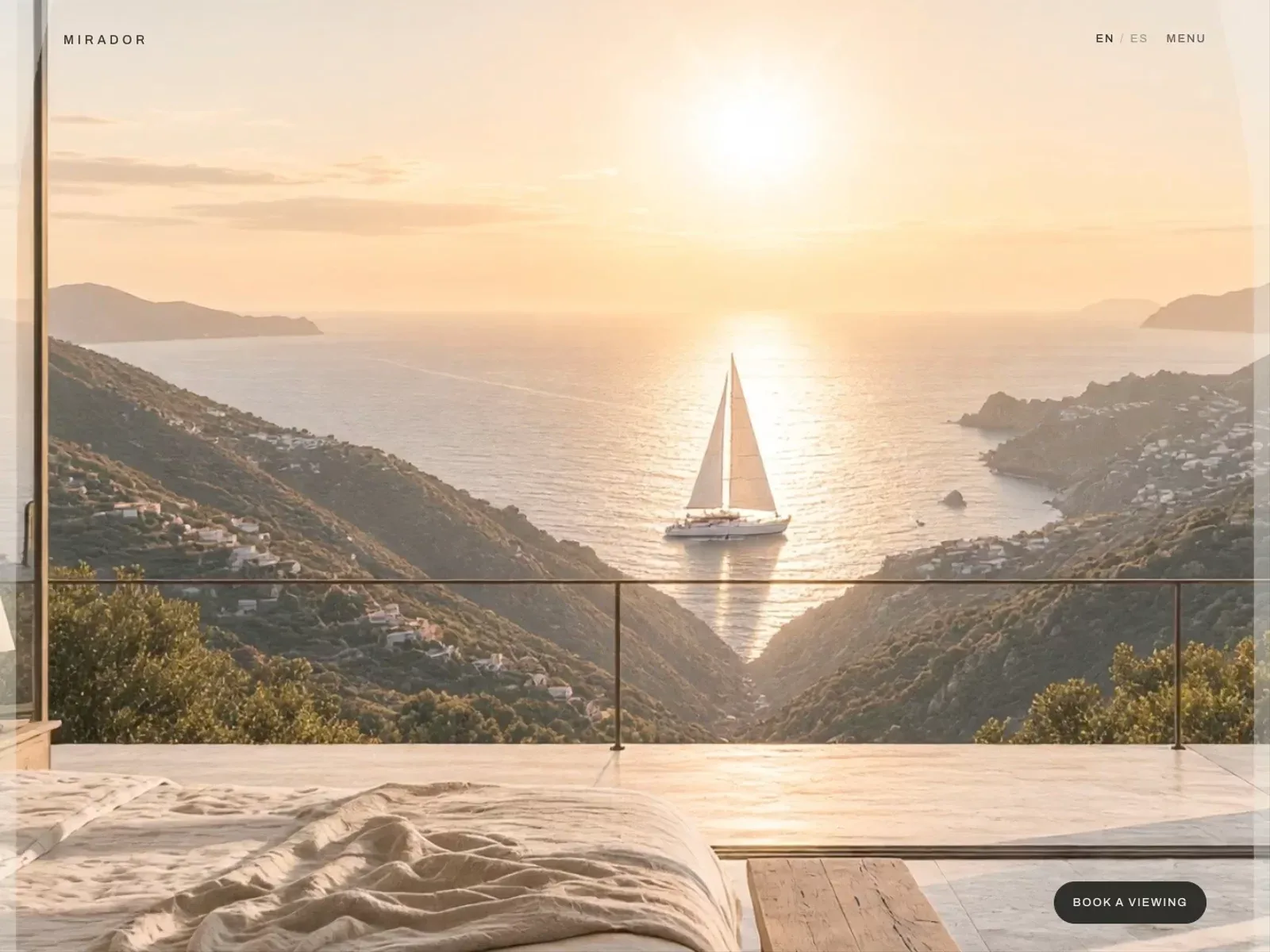
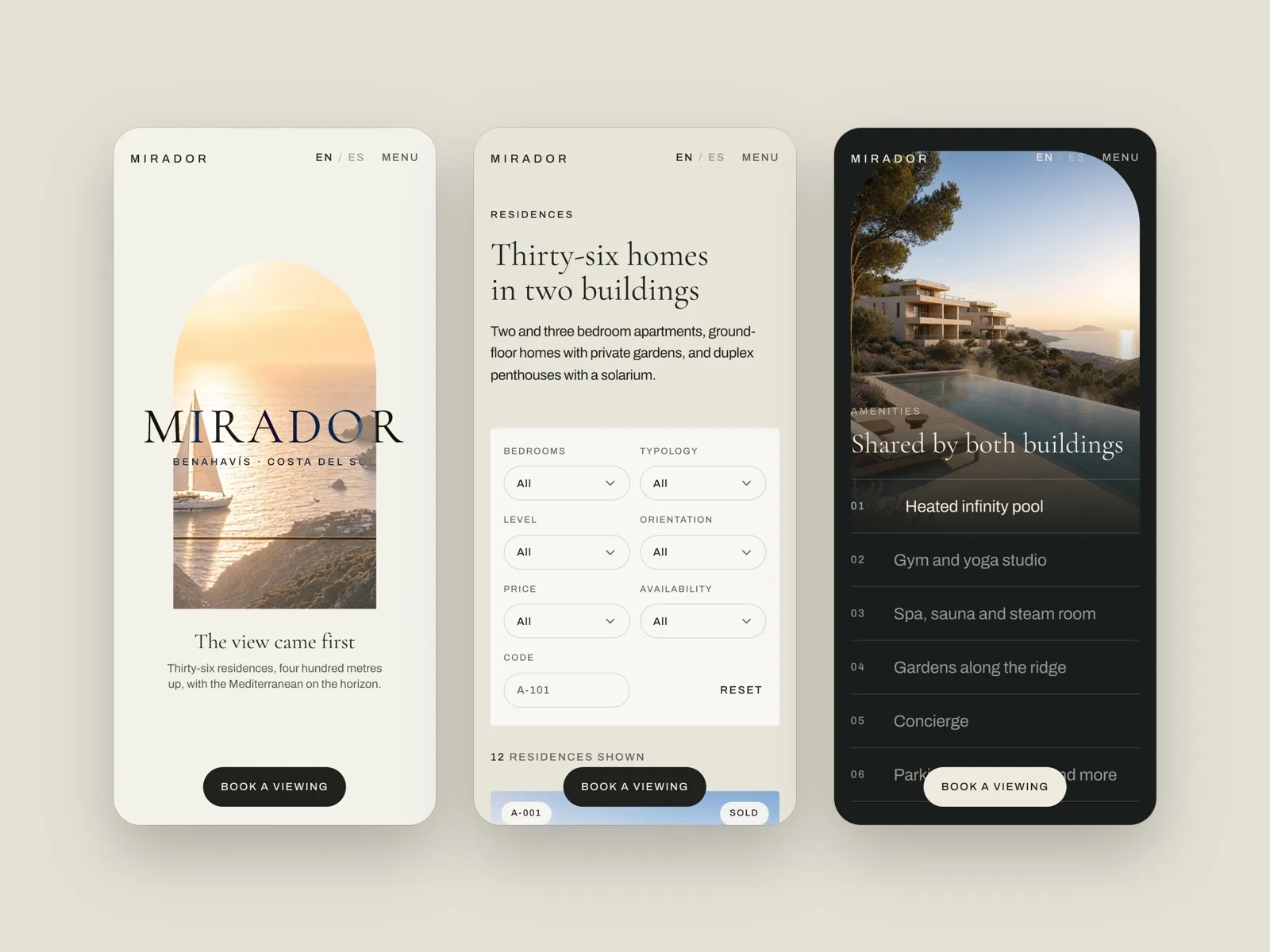
The first screen does the selling. The development name sits across the view and inverts over the stone, and the scroll carries you through a wide arched opening into the page. Amenities sit on a pinned scene, and a location diagram shows travel times.
The demo is thirty-six residences on the Costa del Sol, in English and Spanish. Replace the photos and the price list, and it works for a city block, a coastal project or a handful of villas. Built for developers and sales agencies that launch one project at a time.
Six amenities on a pinned scene, a location diagram with travel times, brochure and enquiry forms, and a cookie banner. Privacy, cookie and legal pages are written for Spain; have your lawyer check them.
Two skills are saved in the project. Ask the agent in plain words: /residences: add a home, paste a price list, or set a unit to Available, Reserved or Sold. The catalogue, filters and home page stay in sync. /make-it-yours: replace the demo name, town, contacts and company details with yours, on every page.