Syllabus

Online course Framer template

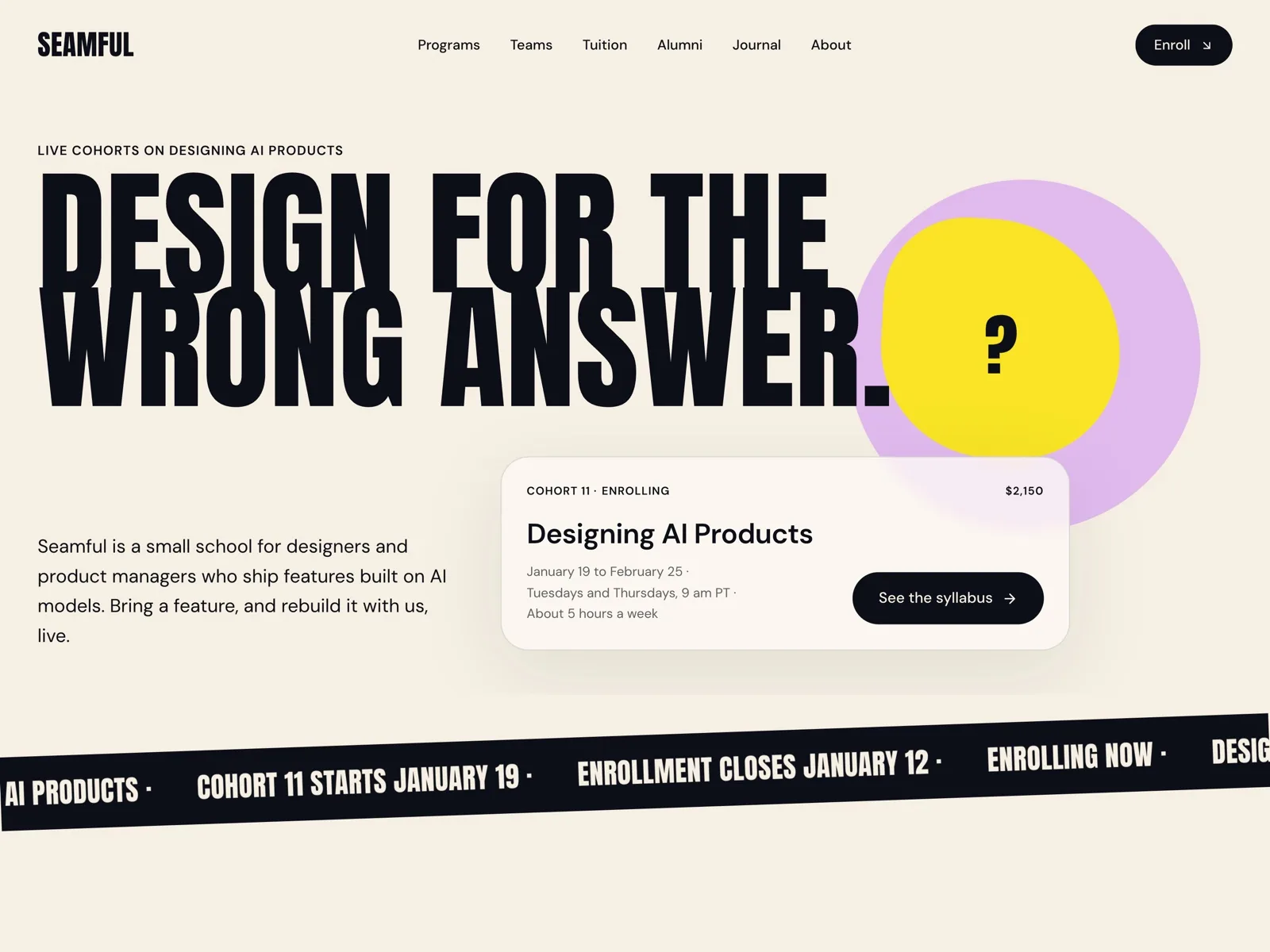
Syllabus Framer template: Online Course & Cohort School Site, screen 1

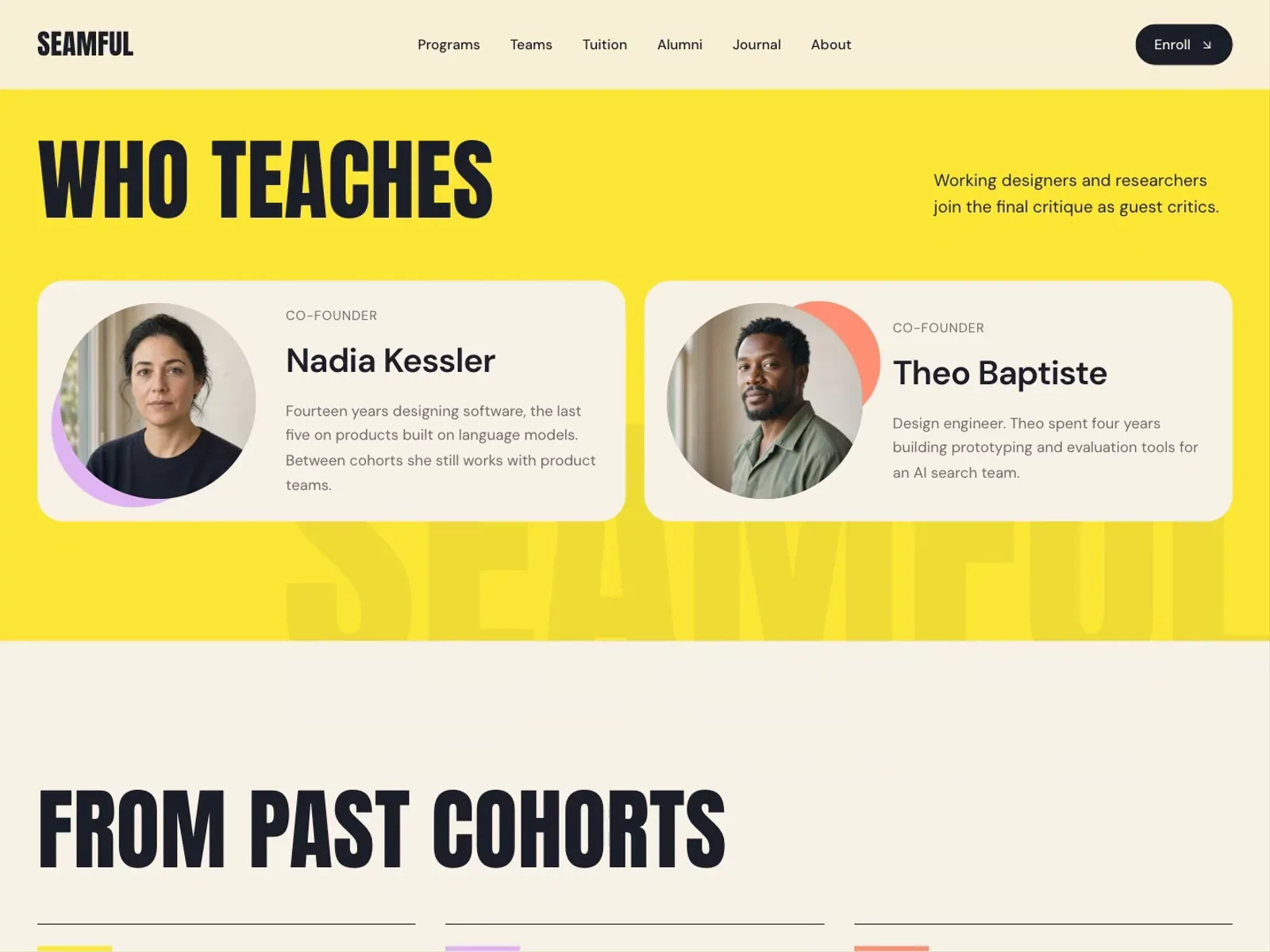
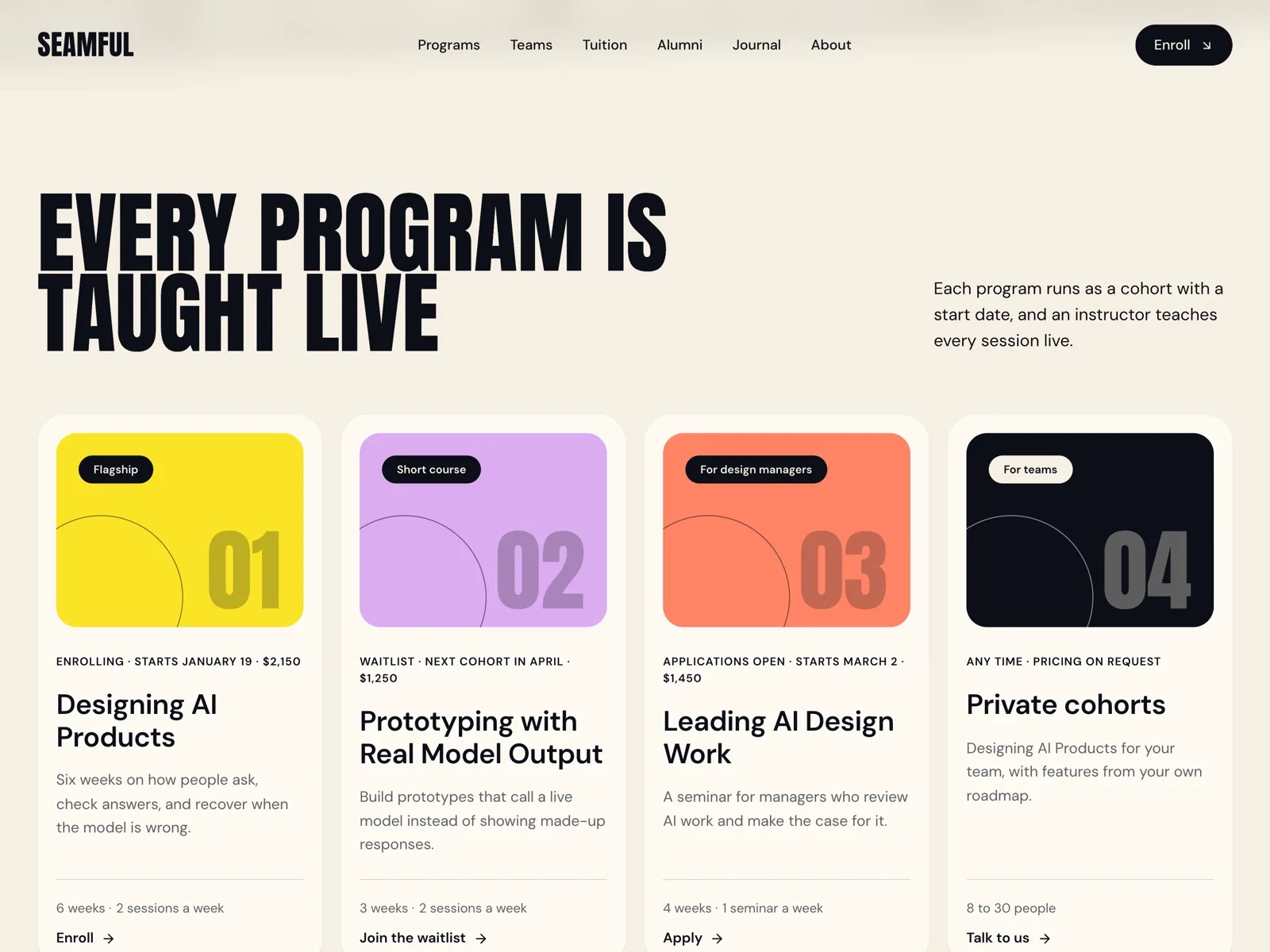
Syllabus is for schools that run courses in cohorts: a few programs, real start dates and a team that teaches them.

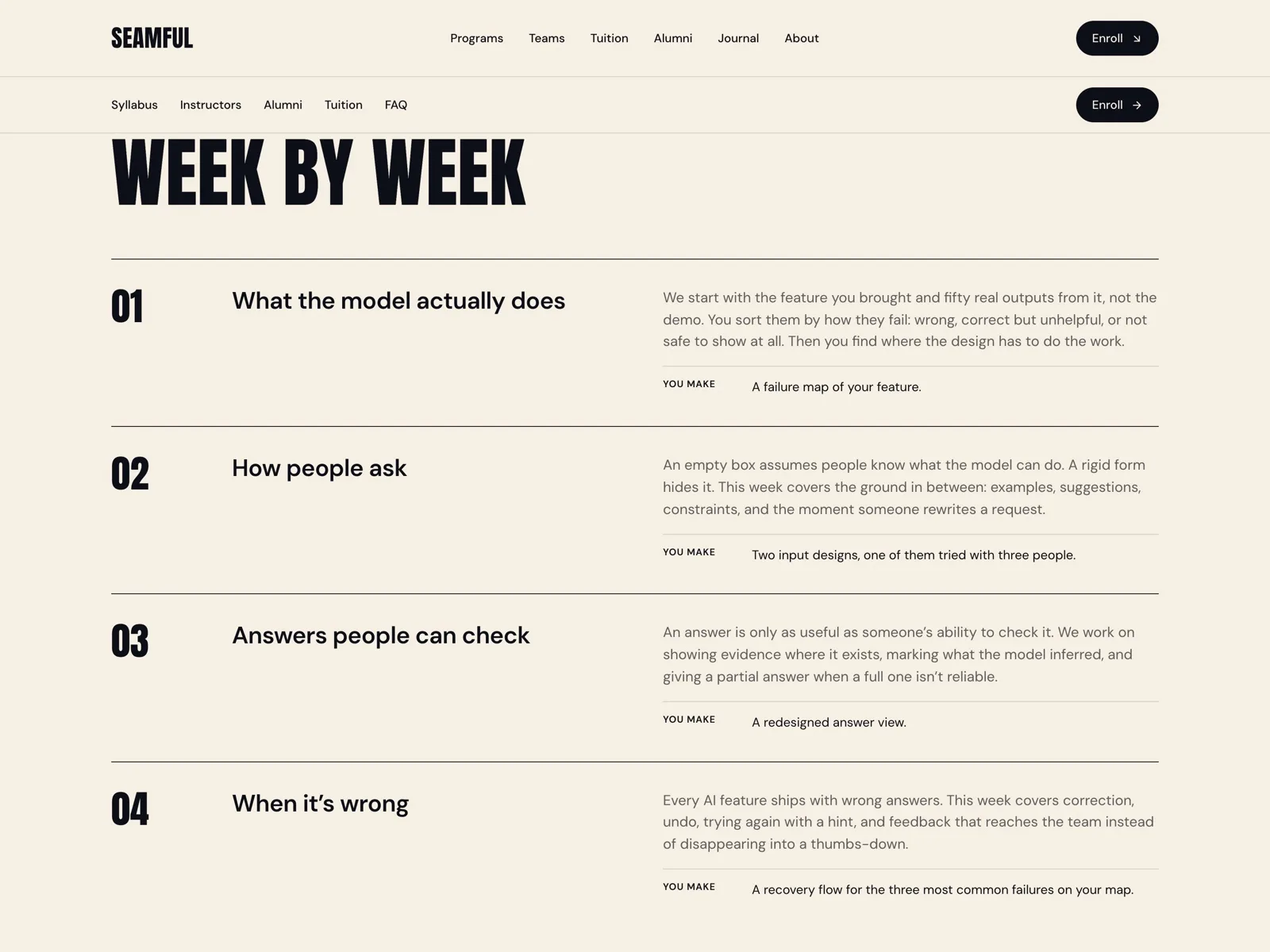
Every program gets a page that answers what a student asks before paying: outcomes, who it is for, the syllabus week by week, instructors, past students, dates, tuition and questions. A PDF syllabus can sit on each program, and the download link appears only when the file is there.

The page follows the program’s status. Open enrollment shows the enroll button. A waitlist shows the waitlist form. Open applications show the application form. Change one field and the page changes with it.

A tuition page holds a ready email students send their manager to get the course paid, plus a scholarship form. Private team cohorts have their own page and form. All programs sit in one comparison table that turns into cards on tablet and phone.

What's inside

  • Twelve pages, including a CMS page for every program and article
  • Four CMS collections: programs, instructors, alumni quotes and journal articles
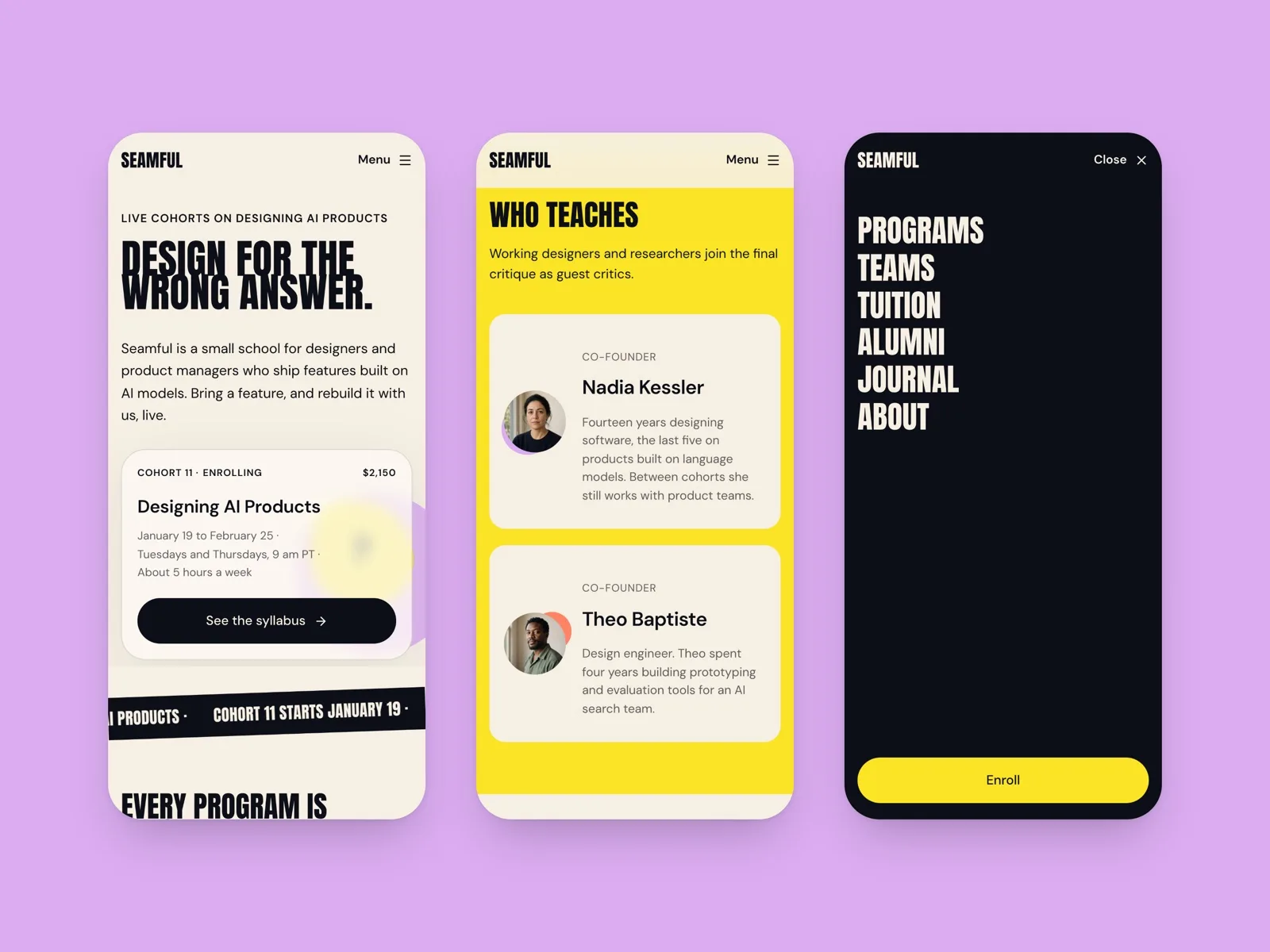
  • A comparison table of all programs, shown as cards on tablet and phone
  • A PDF syllabus field on every program, with a download link that appears when a file is set
  • A hero orb that follows the cursor, a moving ticker and reveal effects that respect reduced motion
  • Three breakpoints: desktop, tablet and phone
  • Free Google Fonts, original images included

Built for a real launch

A tuition page with a ready email a student copies to their manager to ask for the invoice, and a scholarship form. A page for private team cohorts with its own form. Waitlist, application and newsletter forms with success states. Terms and privacy pages.
Launch it this week

Three steps to a live site.

  1. Get itBuy on Contra. The remix link arrives right after payment.
  2. Make it yoursReplace text, images and colours on the canvas. CMS items update every page that uses them.
  3. PublishConnect your domain and choose a Framer site plan. See Framer plans
Questions

About Syllabus.

How do I get Syllabus?
Checkout runs on Contra. Right after payment you get a remix link that copies Syllabus into your Framer account, ready to edit.
Do I need to code?
No. Everything in Syllabus is edited visually in Framer, including the CMS.
Does Syllabus handle payments?
No. Point the enroll button to the checkout you already use, such as Stripe or your course platform.
Can I use it for a single course?
Yes. Keep one program in the CMS. Program pages and the comparison table work with one program or many.
More templates

Keep looking.

All templates