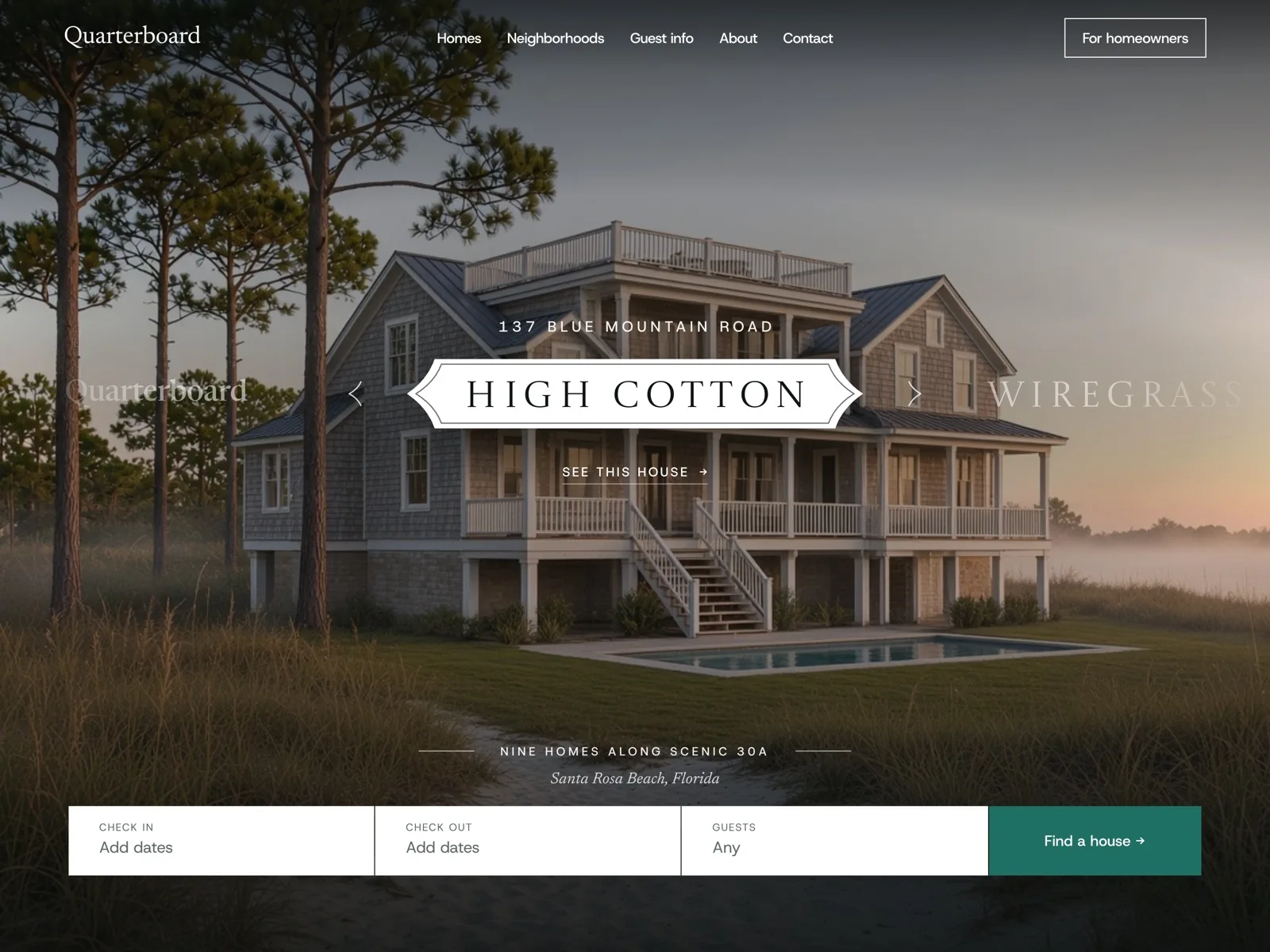
Quarterboard
$69Vacation Rental & Property Manager
Brand studio Framer template
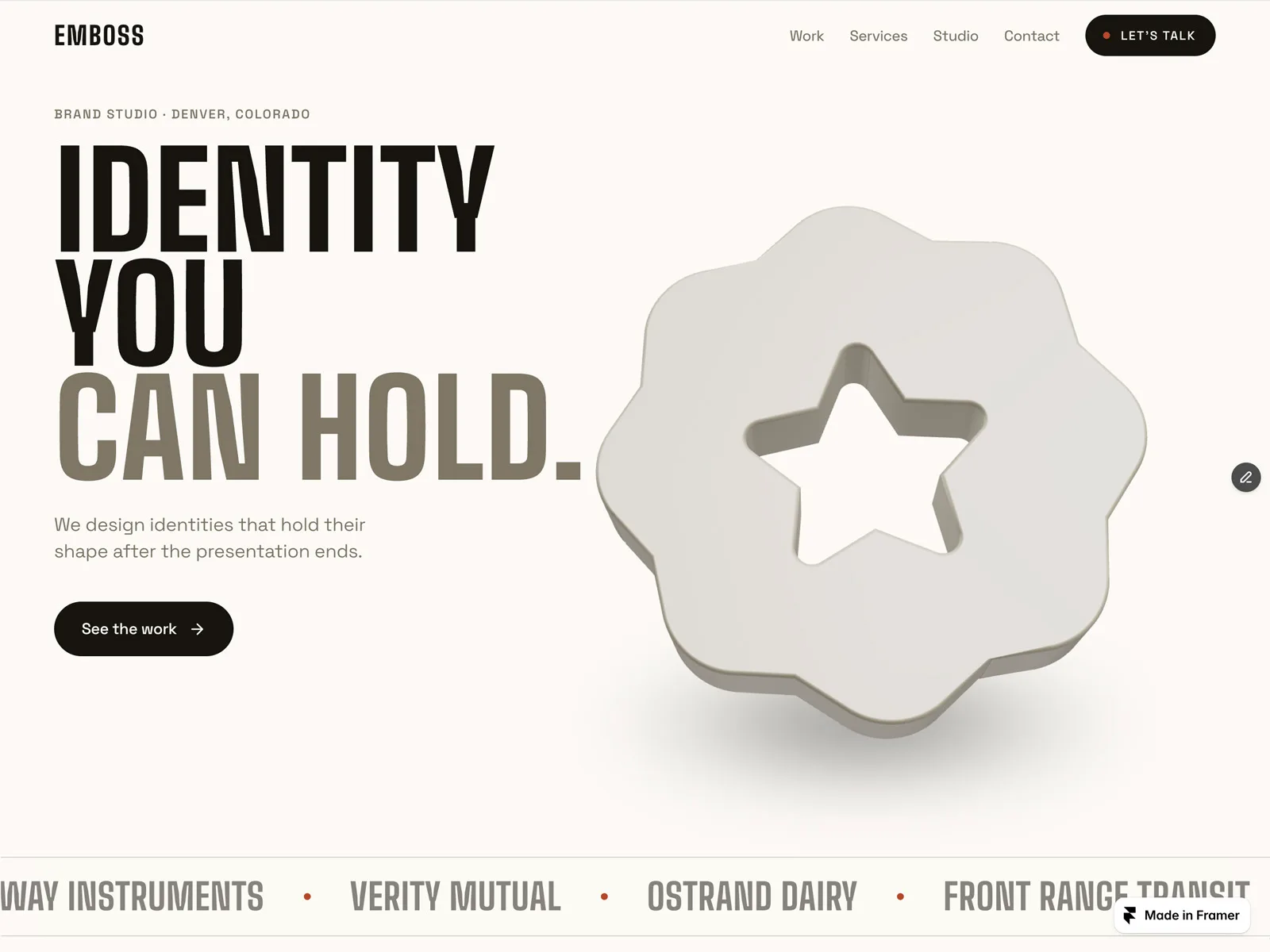
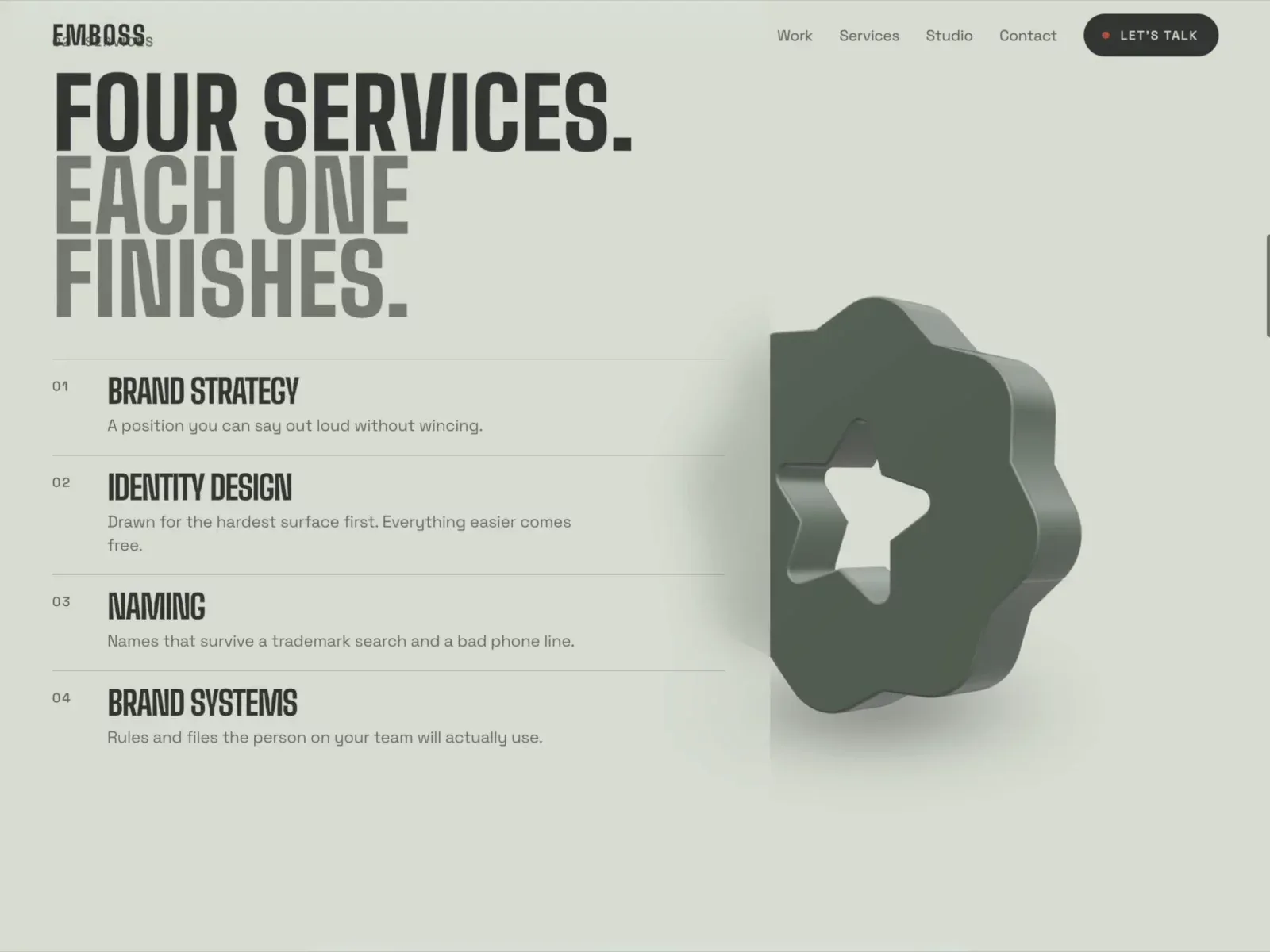
Emboss is for studios that design identities for physical things: instruments, food, freight, objects. The site should feel like something you can hold.
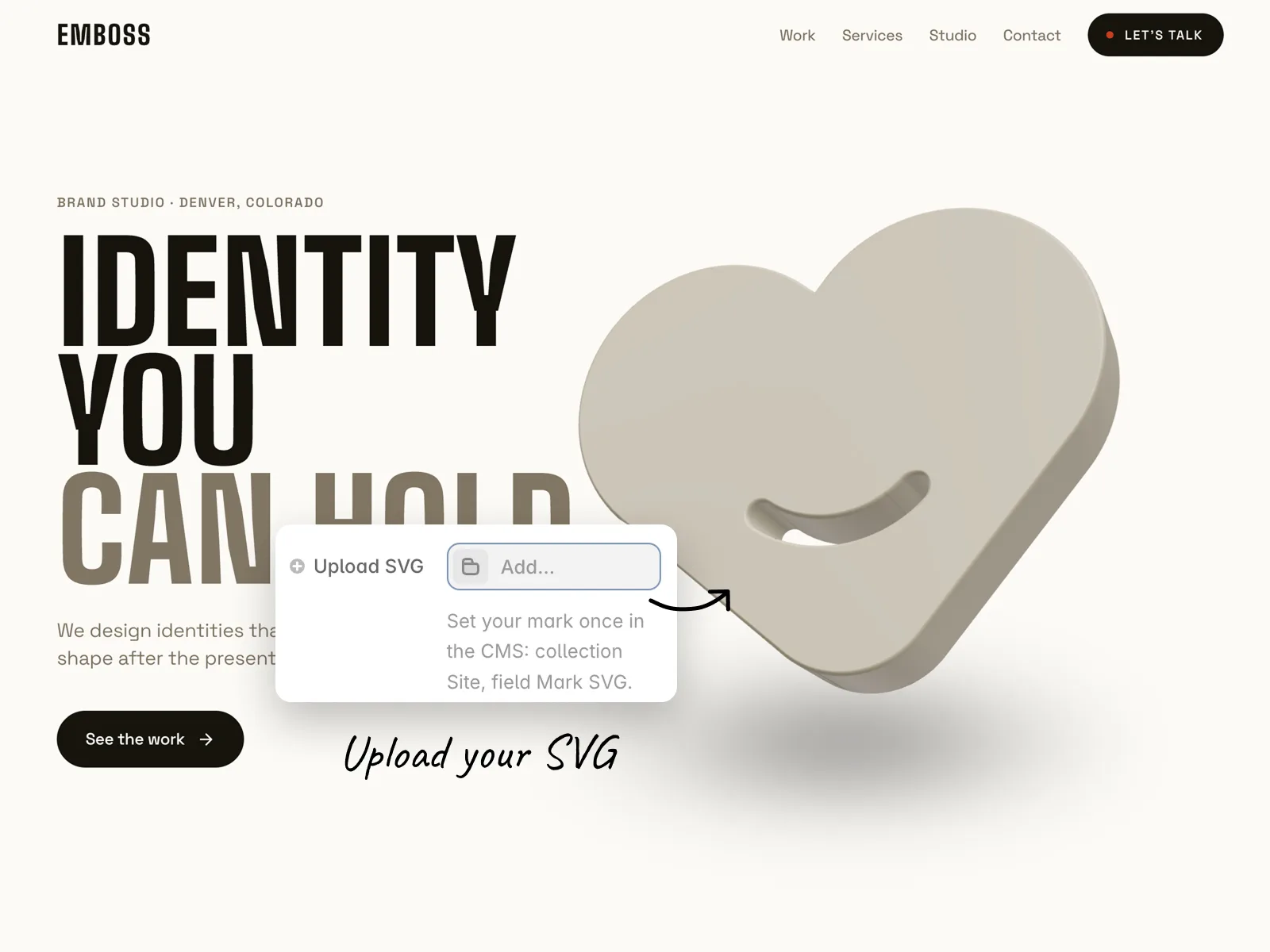
Upload one SVG mark in the CMS. Emboss extrudes it, lights it and moves it as the visitor scrolls. Change ten colour tokens and the object and the room around it change together. No 3D software, no exports.
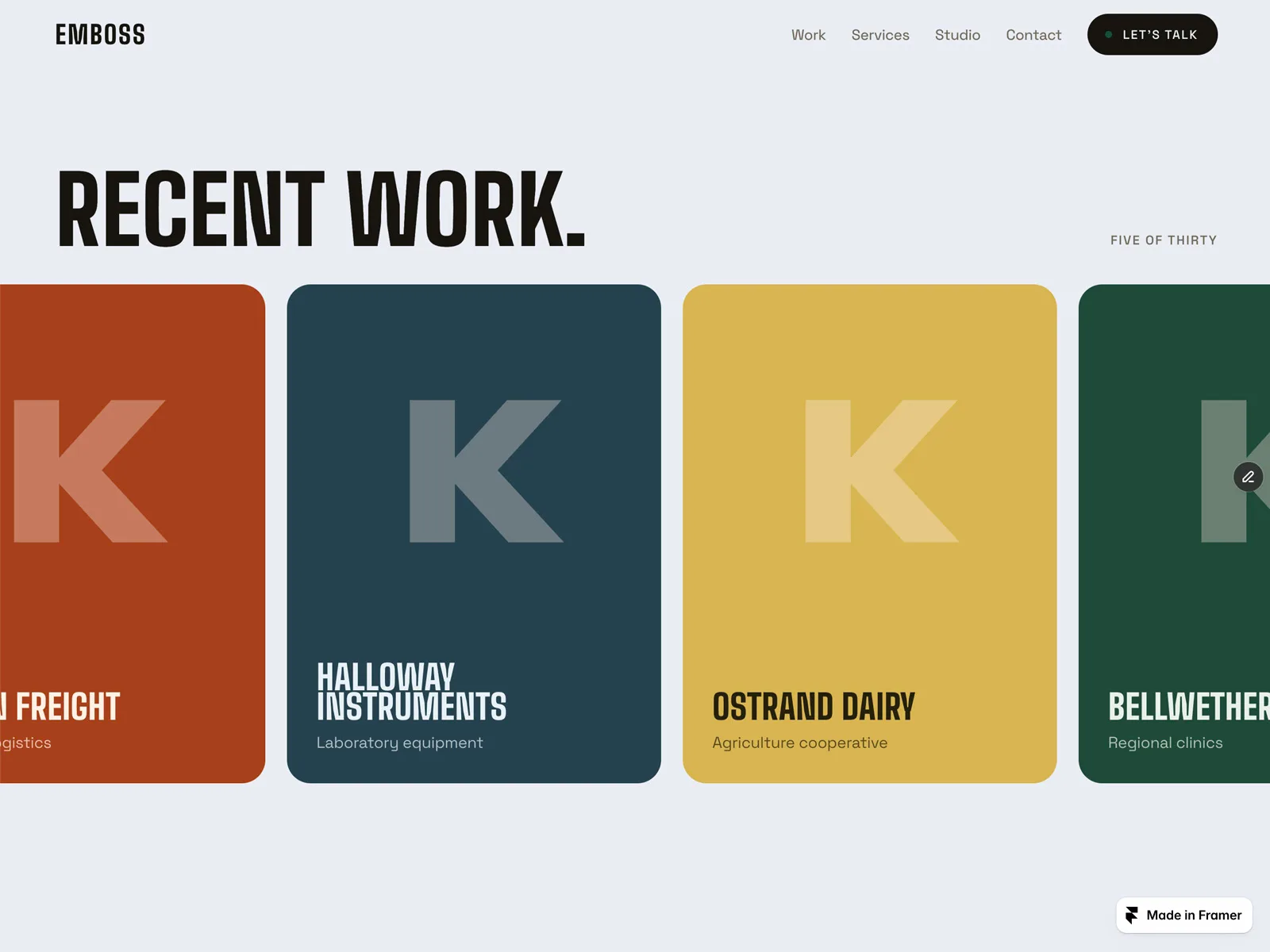
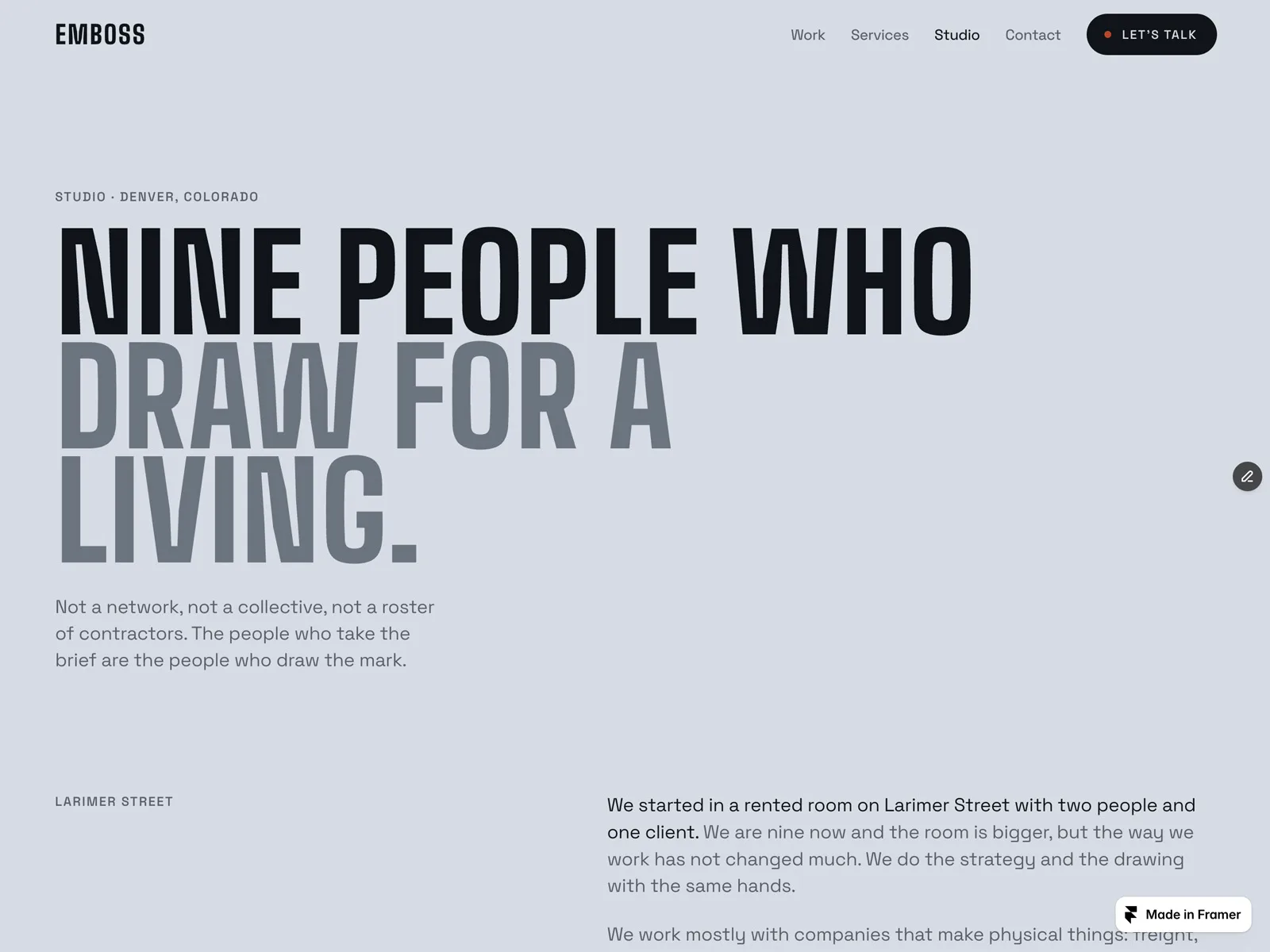
Seven pages: home, work index, case study, services, studio, contact and a custom 404. Case studies live in the CMS and feed the work index and every case page. One Site record holds the logo, mark, phone, email, address and messenger link for every page.
The contact page needs no form backend and no monthly form fee. It writes the message from four fields and opens the visitor’s messenger with the text ready to send.
Your mark goes in one place. The Site collection has an upload field, and the scene on every page reads it from there, so the object, the case titles and the tiles update at once. The palette is ten colour styles, and changing them moves the object and the room together.
The contact page composes the message from four fields and opens your messenger with the text already written. No form service, no API key, no monthly fee.
Remix the project, replace the demo brand, upload your SVG, publish.
Vacation Rental & Property Manager
Web and App designer portfolio
AI analytics startup website